Valentines Day Digital Paper: A Practical Guide for Crafters and Designers
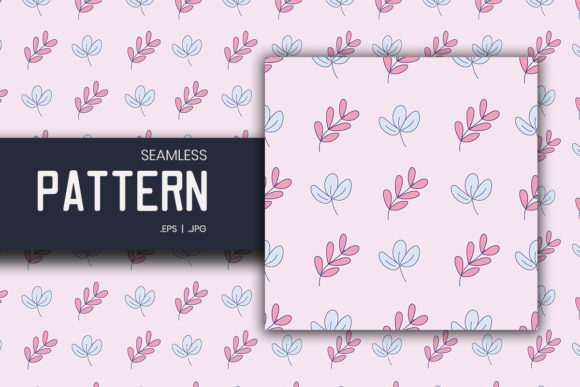
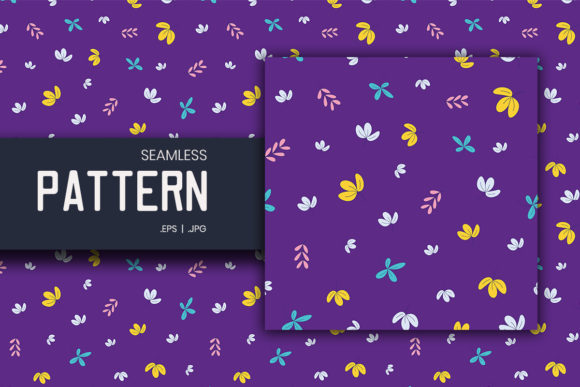
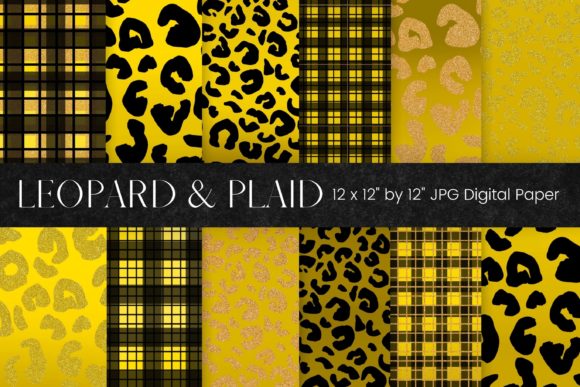
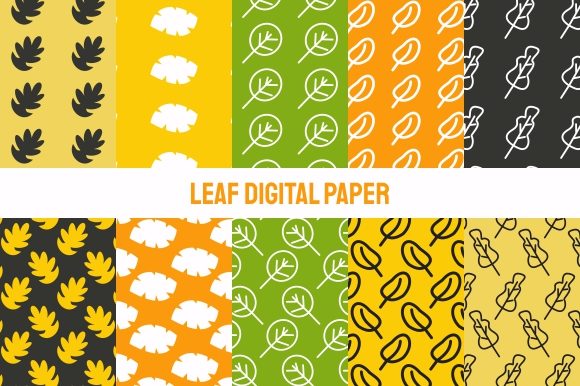
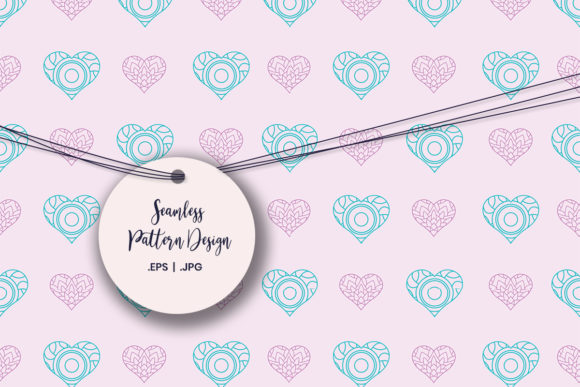
Valentines Day Digital Paper refers to a digitally created, printable pattern—typically themed with hearts, roses, lace, script fonts, or romantic motifs—that’s designed for flexible reuse across physical and digital projects. Unlike standard stock images or generic clipart, Valentines Day Digital Paper is optimized for seamless tiling, high-resolution output, and layered editing. It functions like traditional scrapbook paper but lives entirely in digital form until printed or embedded into a design file.
How It Differs From Other Digital Assets
Not all decorative digital files serve the same purpose. Valentines Day Digital Paper sits between background textures, vector illustrations, and photo overlays—but isn’t interchangeable with any of them. Backgrounds are often single-use, full-frame images meant for web or presentation slides. Vector illustrations (like individual heart icons or floral wreaths) offer scalability but lack the repeatable, paper-like structure needed for crafting. Photo overlays add realism but rarely tile cleanly or scale without pixelation.
In contrast, Valentines Day Digital Paper is built for repetition and practical application. Its repeating pattern allows users to fill large areas—like wrapping paper sheets or card bases—without visible seams. The inclusion of EPS 10 and high-resolution JPG formats means it supports both vector-based editing (for resizing without loss) and quick drag-and-drop use in common tools like Canva, Photoshop, or Cricut Design Space.
Real-World Use Cases—and Where It Fits Best
The versatility listed—scrapbooking, kids’ crafts, card making, party invitations, labels, greeting cards, and digital backgrounds—isn’t marketing filler. Each reflects how the format adapts to different workflows:
- Scrapbooking: Print on cardstock and cut to size for layered pages. The consistent pattern ensures visual cohesion across multiple photos and journaling blocks.
- Kids’ crafts: Teachers and parents can print large batches on affordable copy paper for coloring, cutting, or collage—no need for expensive pre-cut kits.
- Card making: Use as a base layer behind die-cut elements or stamped phrases. The high resolution preserves fine details when printed at 300 DPI.
- Party invitations: Embed directly into PDF invites or email graphics. Because it’s not tied to a specific layout, it scales to square, vertical, or horizontal formats.
- Digital backgrounds: Apply as a subtle texture behind text in social media graphics or Zoom virtual backdrops—soft enough not to distract, rich enough to convey theme.
What ties these uses together is intentionality: Valentines Day Digital Paper works best when you need a cohesive, thematic surface—not just decoration, but structure.
Comparing Formats: EPS 10 vs. High-Res JPG
The delivery in both EPS 10 and JPG formats addresses two distinct needs. EPS (Encapsulated PostScript) is a vector format compatible with Adobe Illustrator, CorelDRAW, and professional print workflows. It retains crisp edges at any size and allows color adjustments—useful if you want to shift from pink to burgundy before printing a batch of labels.
The high-resolution JPG serves users who prioritize speed over editability. It’s ideal for Canva users, educators using Google Slides, or crafters importing into Silhouette Studio without needing to convert file types. At 300+ DPI, it prints cleanly on home inkjet or laser printers—and holds up well when scaled down for small items like sticker sheets or gift tags.
Neither format replaces the other; they complement. If your workflow involves frequent resizing or brand-color consistency, EPS adds long-term flexibility. If you’re assembling a last-minute classroom Valentine’s box and need something usable in under five minutes, the JPG delivers immediacy.
Color Accuracy: A Practical Consideration
The note—“Colors on your screen may be slightly different from the actual print”—isn’t boilerplate. It reflects real-world variables: monitor calibration, printer model, paper stock (glossy vs. matte), and even ambient lighting. A soft blush tone may appear warmer on an older LCD screen but print cooler on uncoated cardstock.
This doesn’t undermine usability—it simply shifts expectations. Valentines Day Digital Paper is most effective when treated as a starting point, not a final output. For critical color matching (e.g., wedding stationery aligned with a specific palette), test-print a small swatch first. For casual use—classroom decorations, kids’ activity sheets, or social media posts—the variation rarely impacts function or charm.
When Valentines Day Digital Paper Is the Right Choice
It shines in scenarios where you value control, repeatability, and cross-platform compatibility. Consider it if:
- You regularly create themed physical items and want to avoid licensing restrictions or inconsistent quality from free online sources;
- You manage multiple projects (e.g., school event + family celebration + small business promo) and need one asset that adapts across contexts;
- You prefer designing offline or with software that doesn’t rely on cloud libraries;
- You’re cost-conscious about recurring subscriptions but still want professionally designed, cohesive visuals.
Its strength lies in reliability—not novelty. You won’t find animated effects or AI-generated variations, but you will get predictable performance across devices and outputs.
When Another Option Might Be Better
Valentines Day Digital Paper isn’t ideal for every situation. If your goal is:
- One-off digital sharing only: A simple PNG overlay or Canva template may be faster than downloading, opening, and placing a JPG or EPS file.
- Custom illustration work: You need hand-drawn uniqueness or bespoke typography—digital paper provides foundation, not original artwork.
- Large-scale commercial printing (e.g., banners or retail signage): While scalable via EPS, complex gradients or ultra-fine textures may require prepress review to ensure fidelity on wide-format printers.
- Interactive or web-first projects: SVG or CSS-based patterns offer smaller file sizes and responsive behavior that static JPG/EPS can’t match.
Also, if your primary need is editable text layers (e.g., personalized names on invitations), Valentines Day Digital Paper serves as background only—you’ll still need separate text tools or templates.
Making a Thoughtful Decision
Choosing Valentines Day Digital Paper comes down to fit—not features. Ask yourself: Do I need a repeatable, printable surface that works across paper, screen, and craft tools? Am I comfortable managing local files and doing basic color or size adjustments? Will this support multiple projects over time—or just one immediate need?
It’s not about “more” options, but clearer alignment between what the file offers and how you actually work. Those who benefit most aren’t chasing trends—they’re building systems: consistent branding for seasonal events, reusable classroom resources, or a personal library of trusted design assets. In that context, Valentines Day Digital Paper isn’t just decorative. It’s infrastructure.